Anime Dice AFK Farming: Safe Auto Farm Setup Without Scripts
How to AFK farm in Anime Dice the safe way: offline money, tower auto-battles, in-game Auto Roll and auto-sell — plus why auto farm scripts risk your account.
FAQ
Is using an auto farm script in Anime Dice allowed?
Does Anime Dice generate money while you are offline?
How long can you safely leave a tower run going?
What does Auto Roll do in the Anime Dice Grades menu?
Do I need Robux to AFK farm in Anime Dice?
What Counts as “AFK Farming” in Anime Dice?
There are three legitimate layers, and all of them are built into the game itself. Offline generation keeps your plot earning after you close Roblox entirely — the official game page states outright that “MONEY GENERATES WHILE YOU ARE OFFLINE”. Idle income keeps running while the window sits open unattended. And a set of in-game automation features — tower battles that fight themselves, an Auto Roll toggle in the Grades menu, and configurable auto-sell rules on the selling NPC — do the clicking a script would otherwise do.
Everything on this page comes from a single verified playthrough, screenshot by screenshot:
Source: all captures and timestamps in this guide are frames from the Superlex Plays walkthrough HOW TO GET 100,000x LUCK DICE! + RAINBOW GRADES | Anime Dice! Roblox (September 2026), a 22-minute session built almost entirely around leaving the game earning and returning to collect.

Full Anime Dice AFK session on which this guide is based
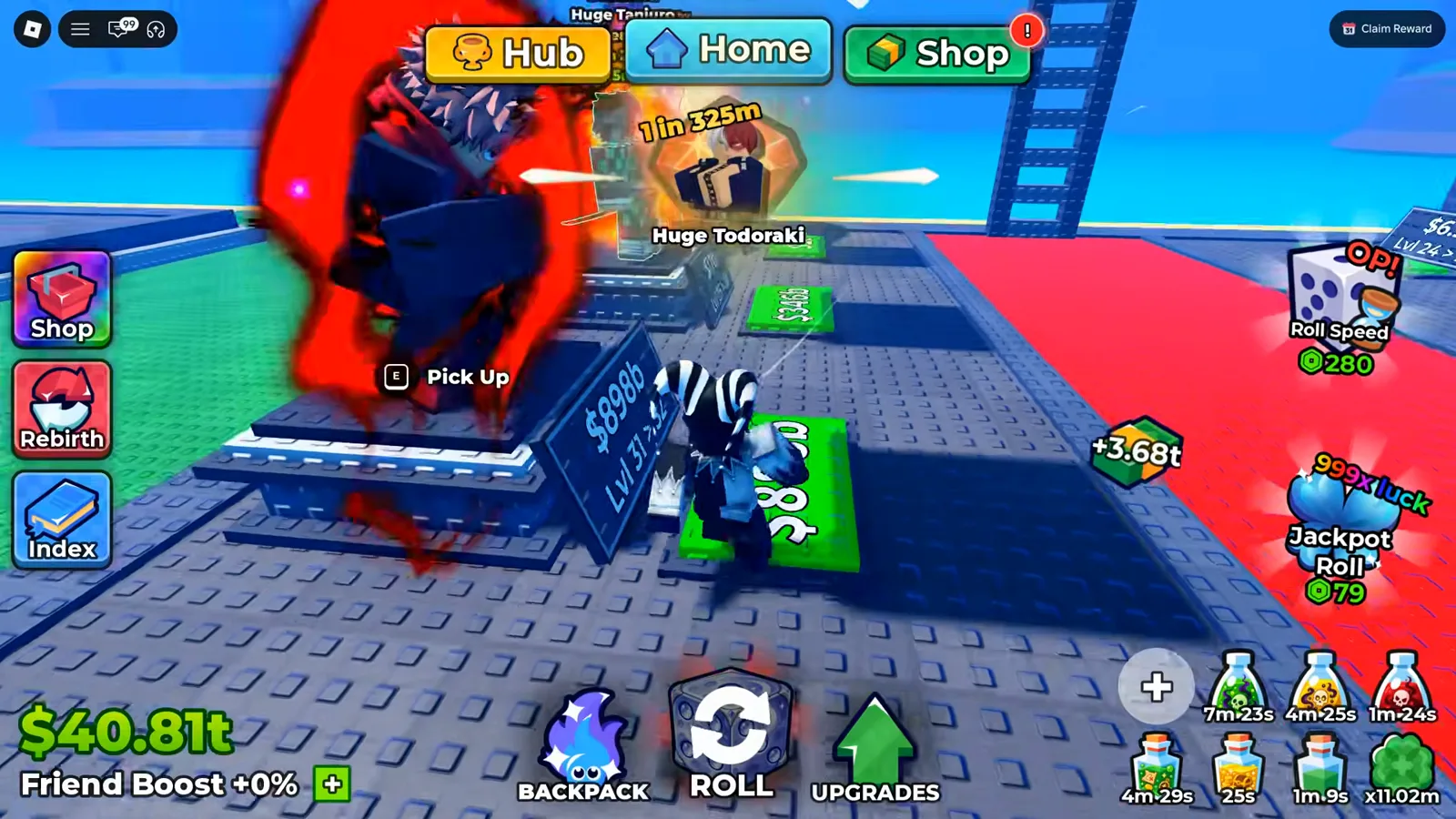
Every bill in this shot was produced without a single click.
This is the baseline every away-time strategy multiplies: units you placed keep generating cash per second. Which units you place, and at what grade, decides whether an hour away is worth anything — see the character tier list for who to station, and the traits guide for the income traits worth locking onto them before you log off.
Does Anime Dice Have a Legal Auto Farm?
Yes — three separate in-game features cover almost everything the “anime dice auto farm script” searches promise, without touching your account security.
Auto Roll (Grades menu)
When you reroll a unit’s grade with shards, the Grades panel lists every tier with its income multiplier and odds, and includes an Auto Roll toggle that repeats the reroll without clicking. One honest caveat, reported and shown in our source video: it does not stop on its own when a great tier appears — you have to interrupt it at the right moment, so it saves clicks, not judgment.
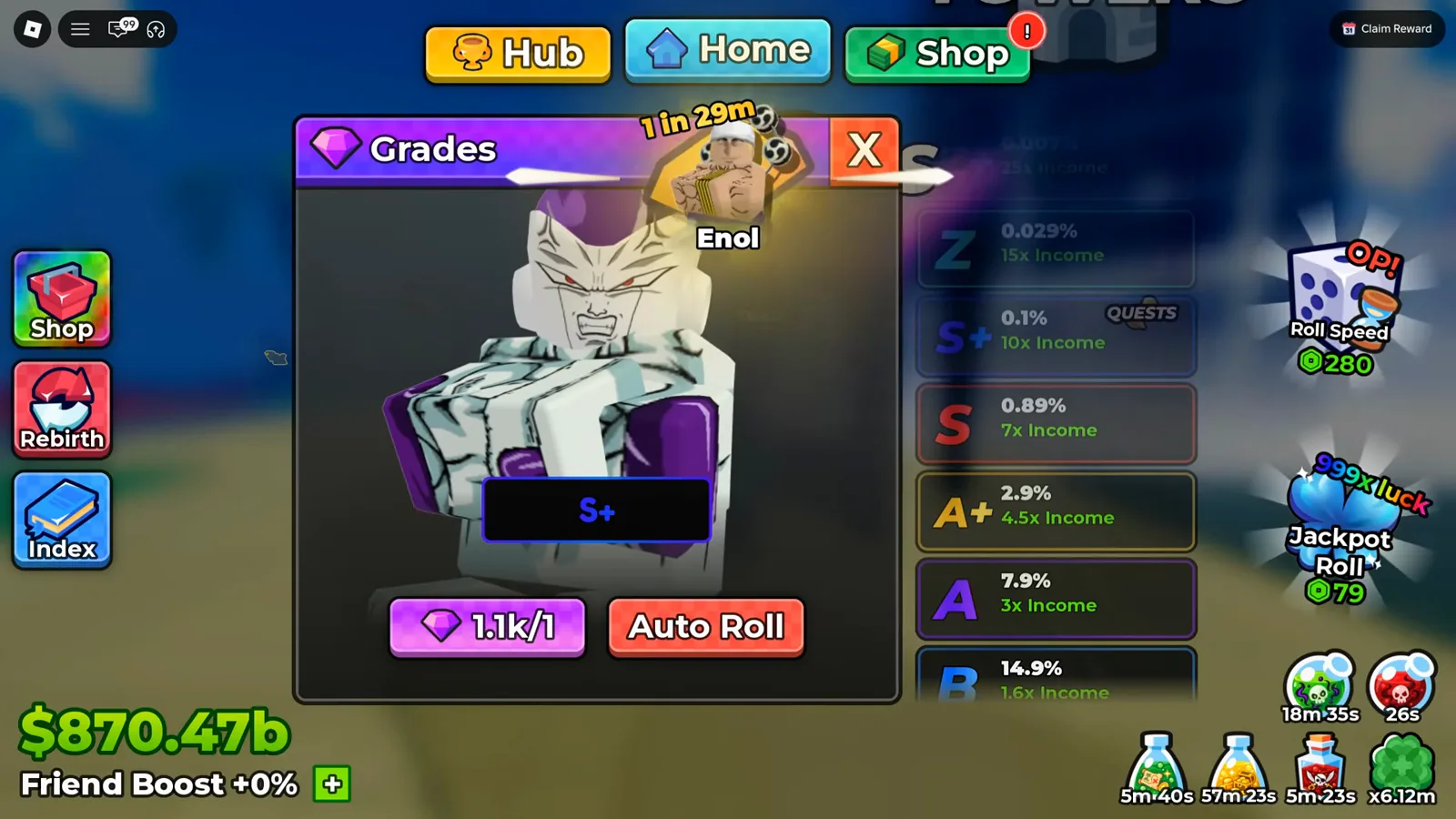
The tier ladder and the Auto Roll toggle live in the same panel.
Watch Auto Roll in use at 11:22
Auto-sell rules (selling NPC)
Talking to the selling character opens a numbered menu that includes “Edit auto sell settings” — per-rarity rules for what gets snapped up and sold when you sell your inventory. Configure this once before a long AFK session and the repeated full-backpack spam stops costing you manual cleanup.
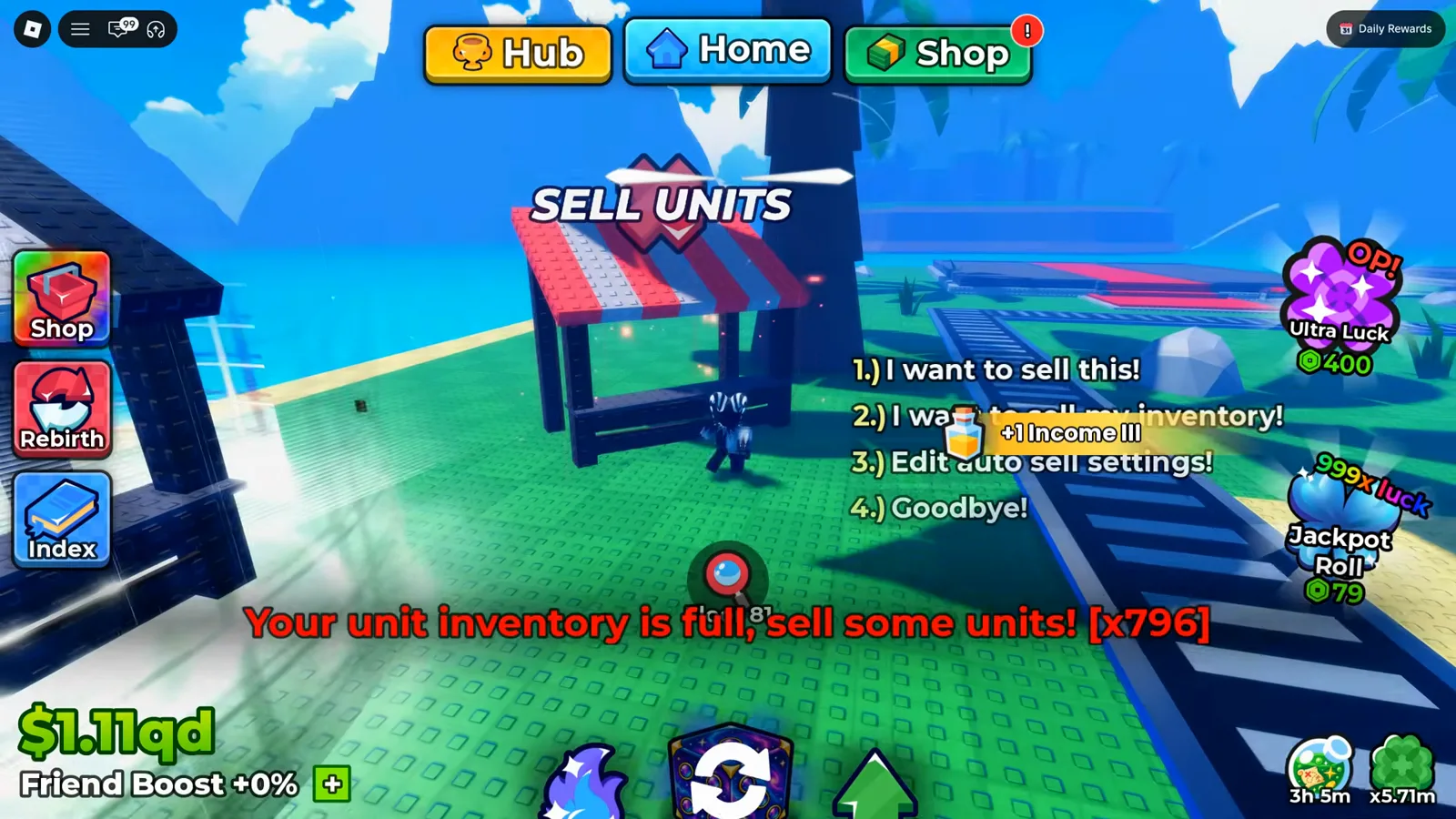
Option three is the legal stand-in for an auto-sell script.
One naming trap worth flagging, because the two controls share a word. This NPC menu is per-rarity: it decides which rarities get swept up when you sell. The Settings panel — the gear button in the HUD’s top-right — carries a separate row also called Auto Sell, and that one holds an odds threshold rather than a rarity list; it read 1t on the account we filmed. Two screens, two mechanisms, one label, and our settings guide reads the threshold row off its own frame. The stall’s own panel — Auto sell units below a 1 in [ ] chance — plus the question of whether the two rows share one stored value are both read frame by frame on the selling units page.
Watch the selling menu at 21:38
Self-fighting tower battles
Once you press Fight, a tower run advances floor after floor with no further input — this is the core of any real AFK session, covered step-by-step below.
How Do You Set Up an AFK Tower Session?
A tower session is the highest-yield way to be away with the game open: your team fights, floors count up, and cash plus drops accumulate unattended. Here is the full loop as performed in the source video.
Step 1 — Pick a difficulty you can clear hands-free
The Towers menu lists each run with its difficulty tier — in the source video the player rotates between the Cursed Tower (Medium), the Pirate Tower (Hard) and the Infinity Tower, checking that current floors sit safely inside his team’s power band before committing to a long absence. For the full walkthrough of the menu, team slots, drop tiers and what to upgrade when a floor stops falling, see the dedicated Infinity Tower guide.
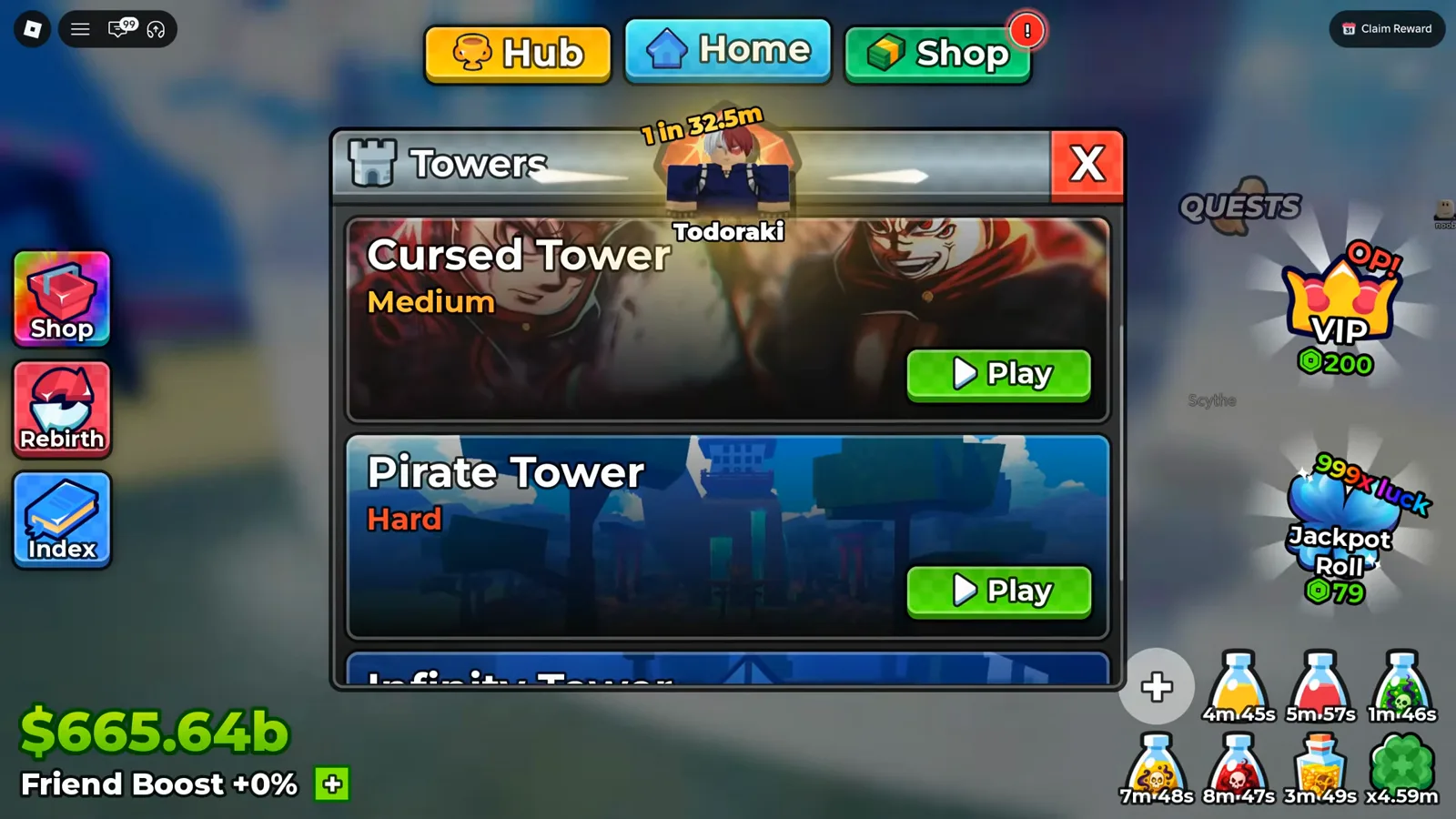
Difficulty choice sets how long the run can survive without you.
Step 2 — Press Equip Best, then Fight
The tower’s team screen shows your three slot powers side by side; Equip Best slots your strongest current units, and Fight starts the unattended run. The panel also previews the floor rewards (gems, shards, potions) so you know what the away time is actually paying you.
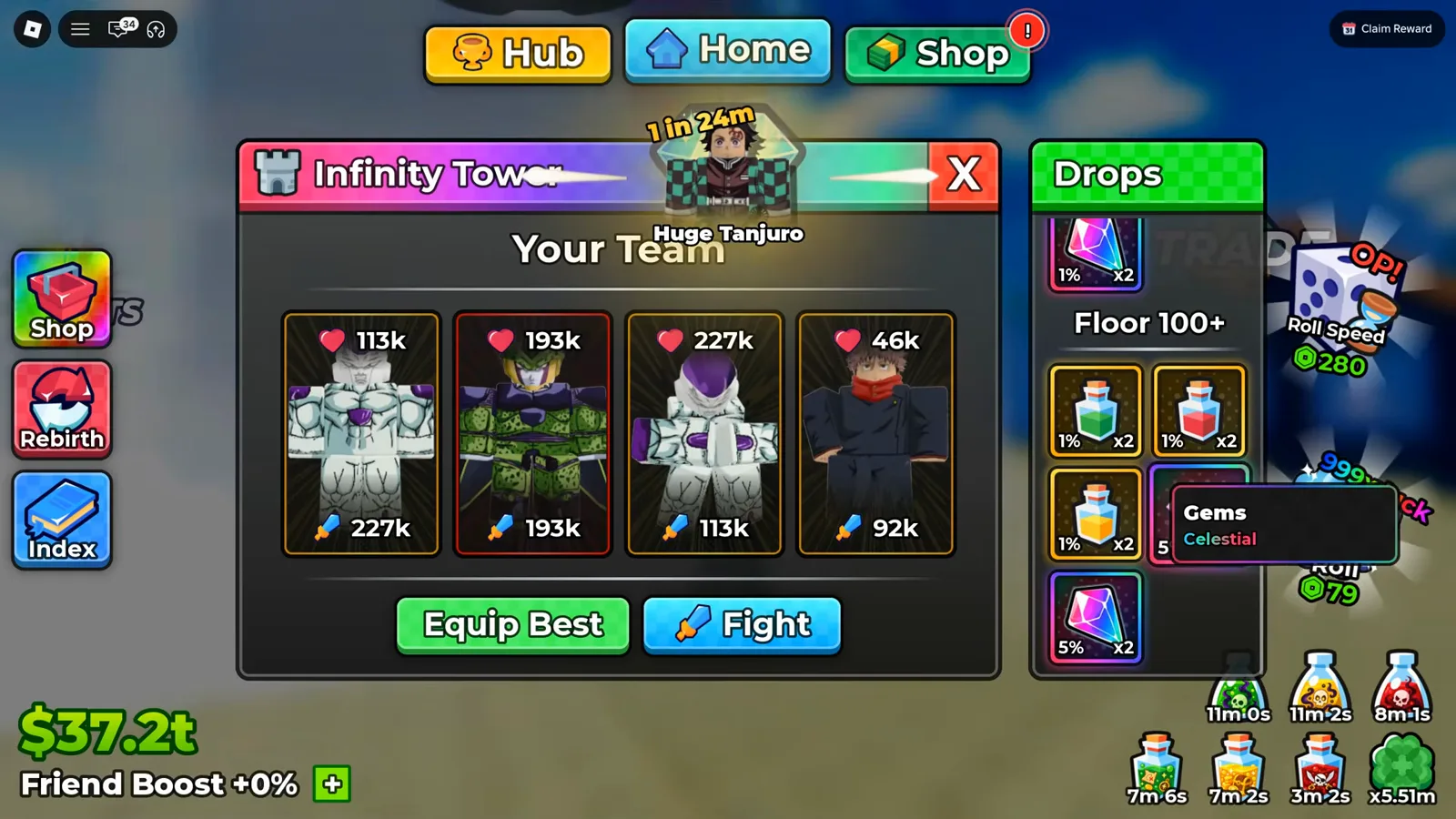
Team power rows, reward preview, and the two buttons that start the session.
Step 3 — Walk away and let the floor counter climb
Once the battle runs, the only HUD you need is the floor counter and the small Hide / Exit / Auto cluster. The source video’s player leaves runs going for hours at a stretch — the same session that starts here returns at Floor 60+ later.
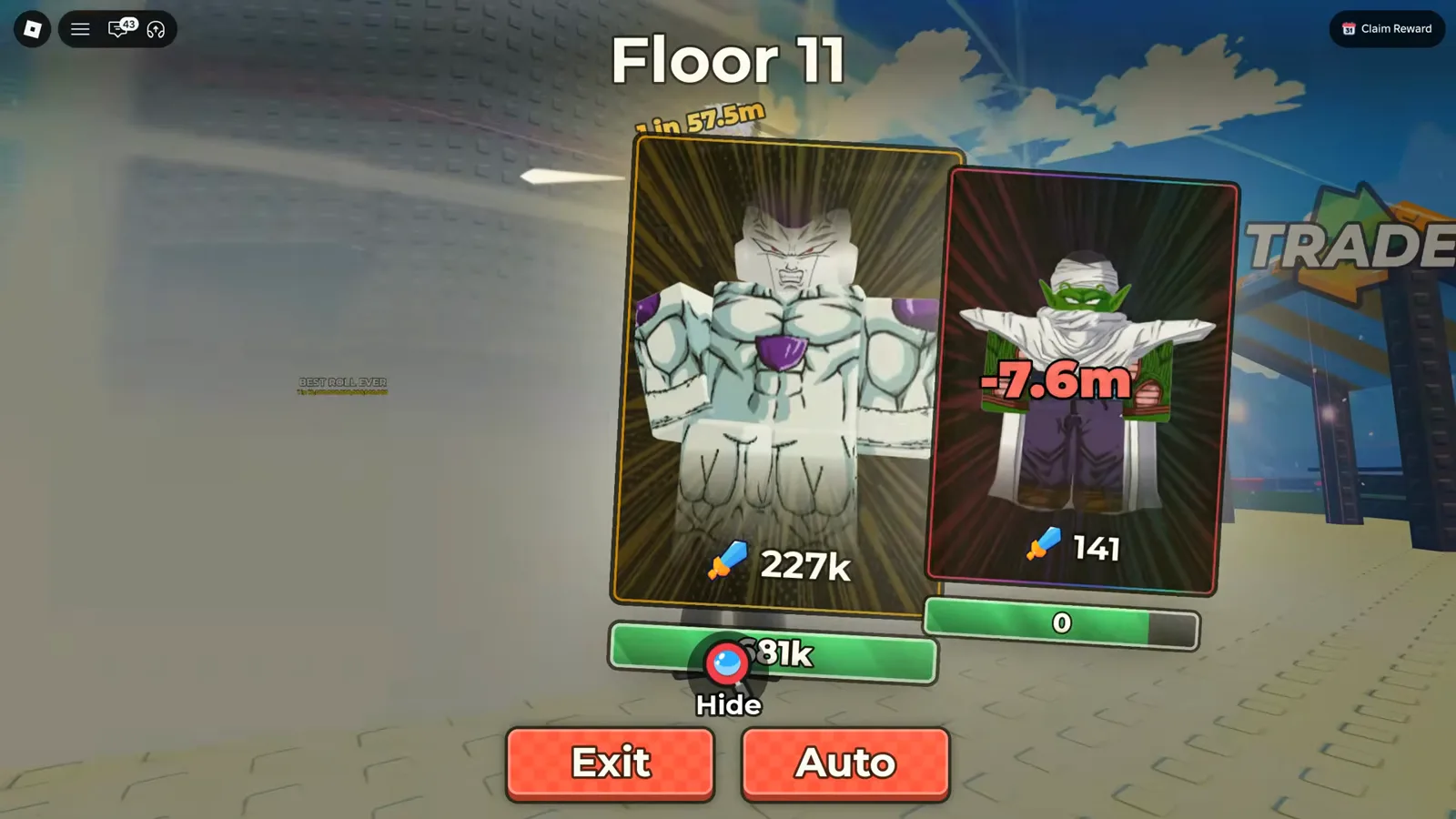
Floors advancing on their own — the view you leave your screen on.
Watch the hands-free battle at 2:40
Step 4 — Fund tickets through the daily quest board
Tower entries are ticketed, and tickets drip out of the Daily/Weekly quest board — goals like “Roll 1,000 times!” and “Defeat 2 towers!” pay small ticket bundles. Claim before you log off, and the next morning’s session is already paid for. Our block upgrade priorities guide covers how that ticket economy interacts with your cash spending order.
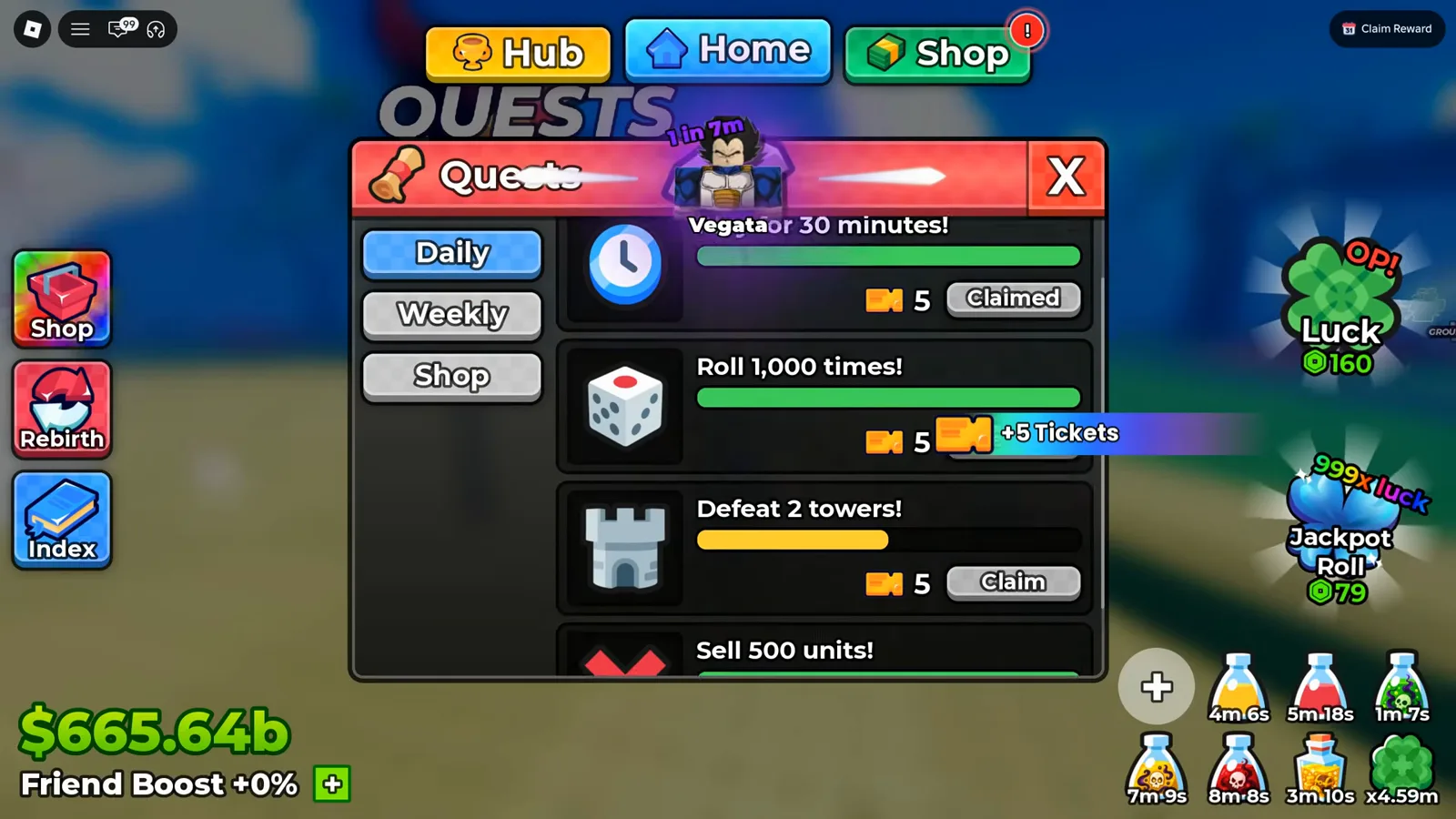
Tickets show up as quest rewards, so claim them before you log off.
Step 5 — Watch the backpack cap — it is your session timer
Rolls keep landing during the run, and once the backpack is full the client stacks “Your unit inventory is full, sell some units!” notices with a running counter (the source video’s return screen shows hundreds). Set auto-sell rules in the automation section above, or plan to sell on return.
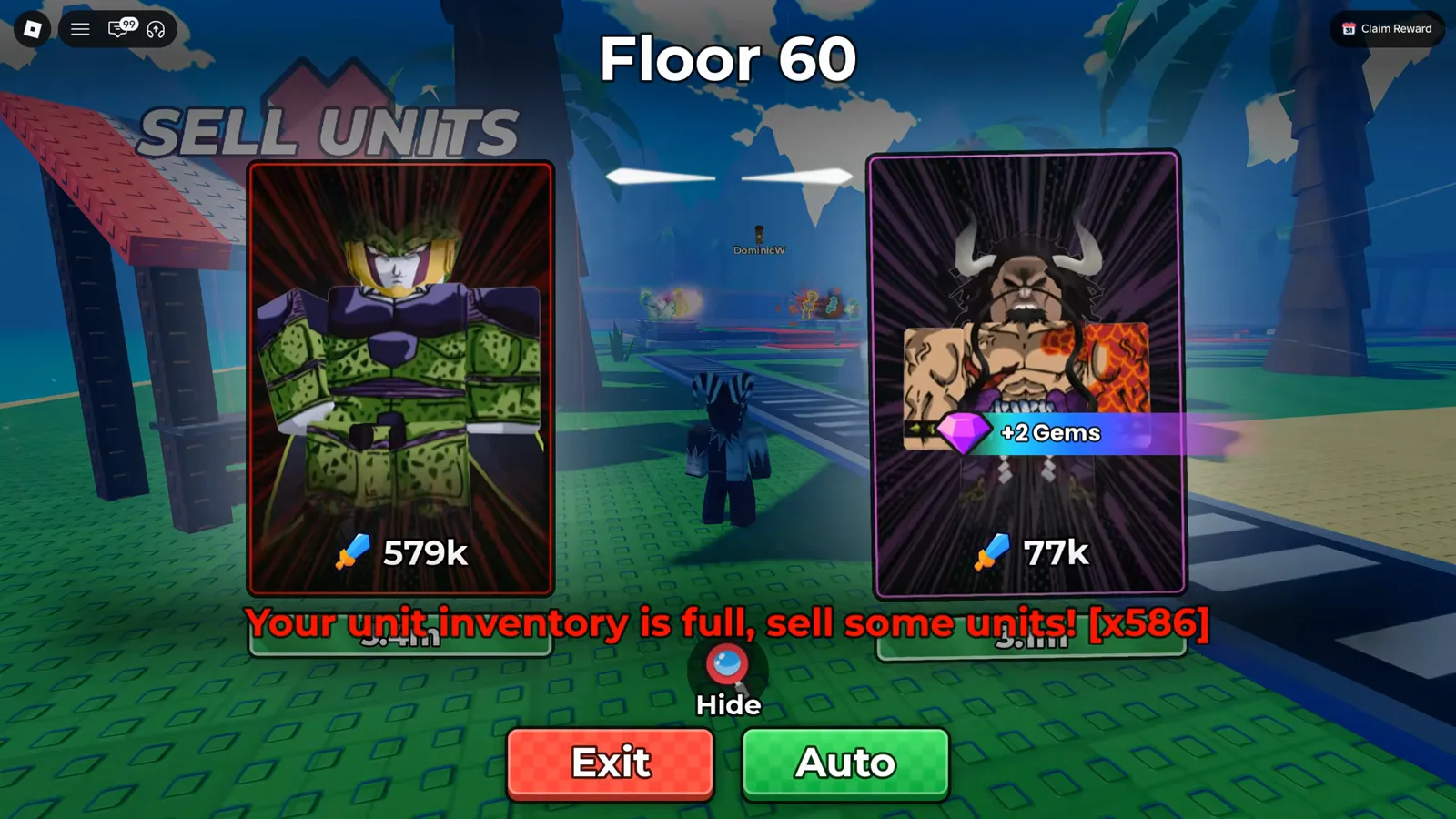
The notice counter is the game telling you storage ran out mid-run.
Watch the stacked notices at 9:26
What Should You Do the Moment You Come Back?
-
Walk the plot and collect every bill. After hours away, the pickup toasts dwarf anything you earned actively — the source video returns to a balance in the hundreds of trillions.
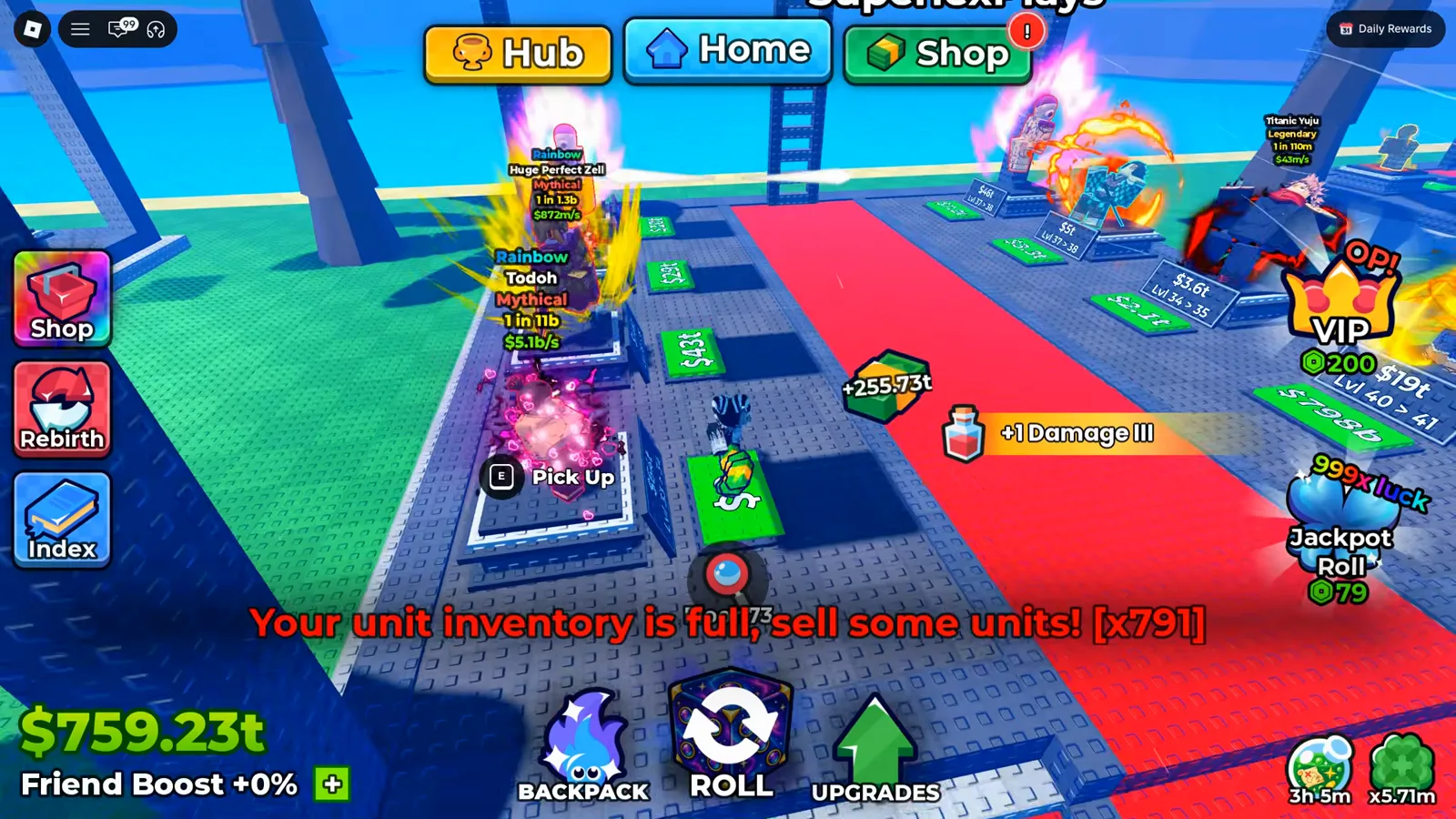
One pickup toast after an away session outweighs an hour of active play.
-
Equip Best, then sell the inventory — leftover rolls convert to cash at the same NPC whose auto-sell rules you configured.
-
Upgrade the best grade, not the prettiest card. Grade tiers multiply a unit’s printed income directly; the panel shows the multipliers per tier.
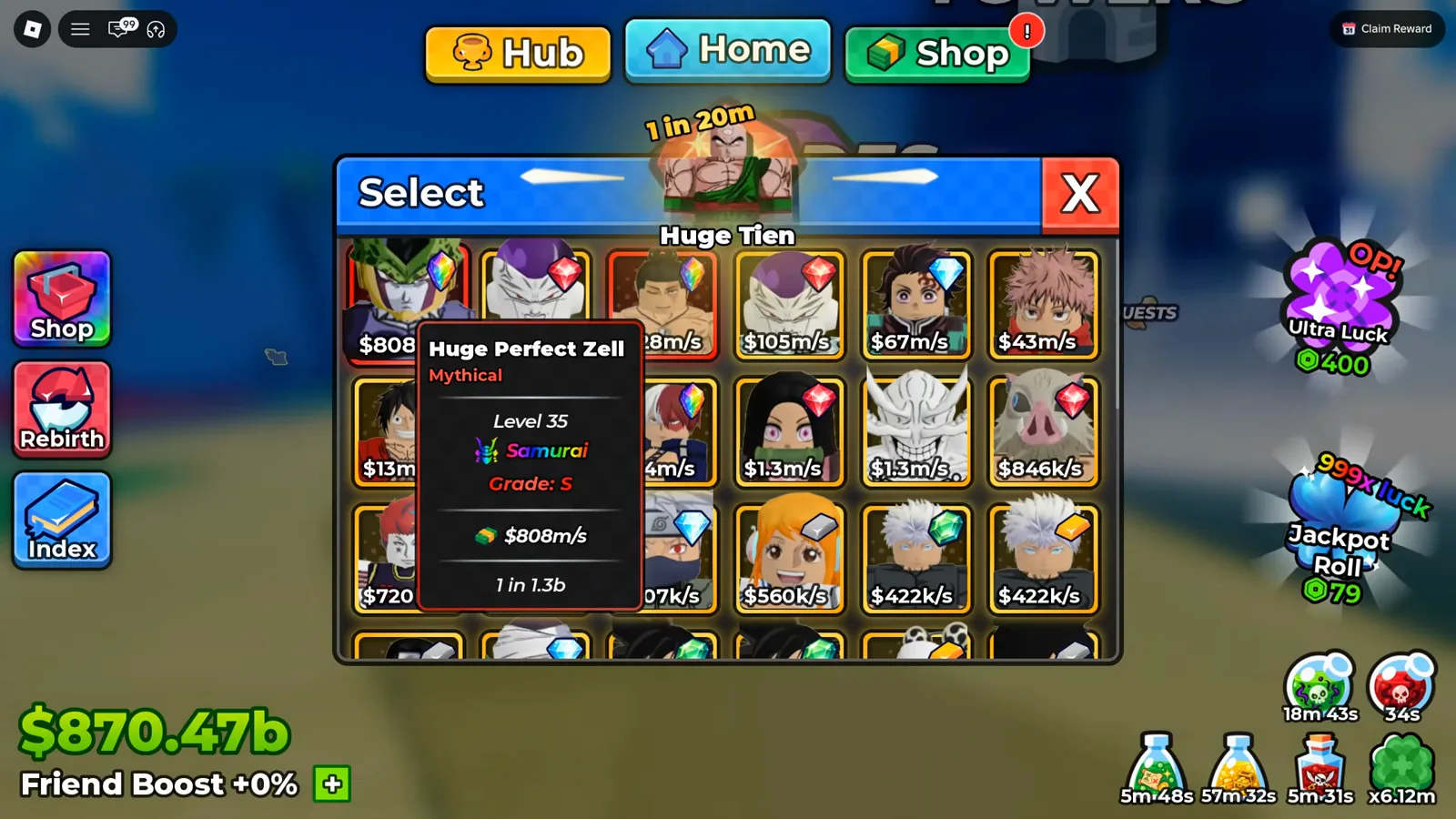
Grade S sits right next to the income figure it is multiplying.
-
Reinvest in the same order as always: slots before blocks, luck before luxury. The beginner guide lays out the loop, and redeeming any live codes before you log off again tops up the spins and rerolls the session feeds on.
How Do Offline Earnings Fit In?
Offline earnings are the same plot income stream, continuing while the app is closed — that part is official, not lore: the developer’s description leads with money generating while you are offline. It is now unpacked on its own page: Anime Dice offline earnings covers what scales it and a four-step way to measure your own rate. Our source video’s player adds the practical judgment call: while-away time is where big balances come from at mid-game, but offline time pays less than a session actually running in the background with towers fighting.
The exact offline rate and storage cap have not been published by the developer, and no reliable second source documents them yet. So we deliberately print no percentages here — any figure you find elsewhere, including in videos, is a snapshot of one patch on one account. If you have verified the current numbers in your client, send them via our contact page with a screenshot date and we will credit them here.
For the mechanics we can point at: the beginner guide’s offline section walks through the base-versus-slot decisions that size your income before any away-time math matters, and the traits guide covers which income traits compound across both online and offline stretches.
Related Articles
guides
Anime Dice Update 7: Rebirth Upgrade Points, Third Base Floor and New Dice
Anime Dice UPD 7 read off frames: the developer's own patch notes, the 6-path Rebirth Stats panel, and a purchase confirmation. Checked 7 October 2026.
guides
Anime Dice Money: Where Cash Comes From, Read Frame by Frame
Anime Dice money read frame by frame: the cash counter's k-to-oc suffix ladder, the $/s income every unit card prints, and the breakdown no screen ever shows.
guides
Anime Dice Probability and Roll Odds: The 1 in N Screens
Anime Dice prints unit odds as 1 in N and trait odds as percentages, never as one drop table. Frame-by-frame readings plus the arithmetic the game leaves out.
Was this helpful?
Thanks for the feedback!